We offer realistic mockups of our custom woven blankets, giving you a clear idea of how your artwork will look once it’s woven. If you’d like to create your own approximate preview, follow the steps below:
- Reduce the saturation of the reds and greens
Select Image > Adjustments > Colour Balance. Drag the first slider away from ‘red’ towards ‘cyan’, then drag the second slider away from ‘green’ towards ‘magenta’. Click ‘OK’.
- Reduce the resolution to 12 dpi
Select Image > Image Size. Clear the ‘Resample’ check box. Type ‘12’ into the ‘Resolution’ text field, then type the original dimension into the ‘Width’ text field. Click ‘OK’.
- Add a textured weave transparent overlay
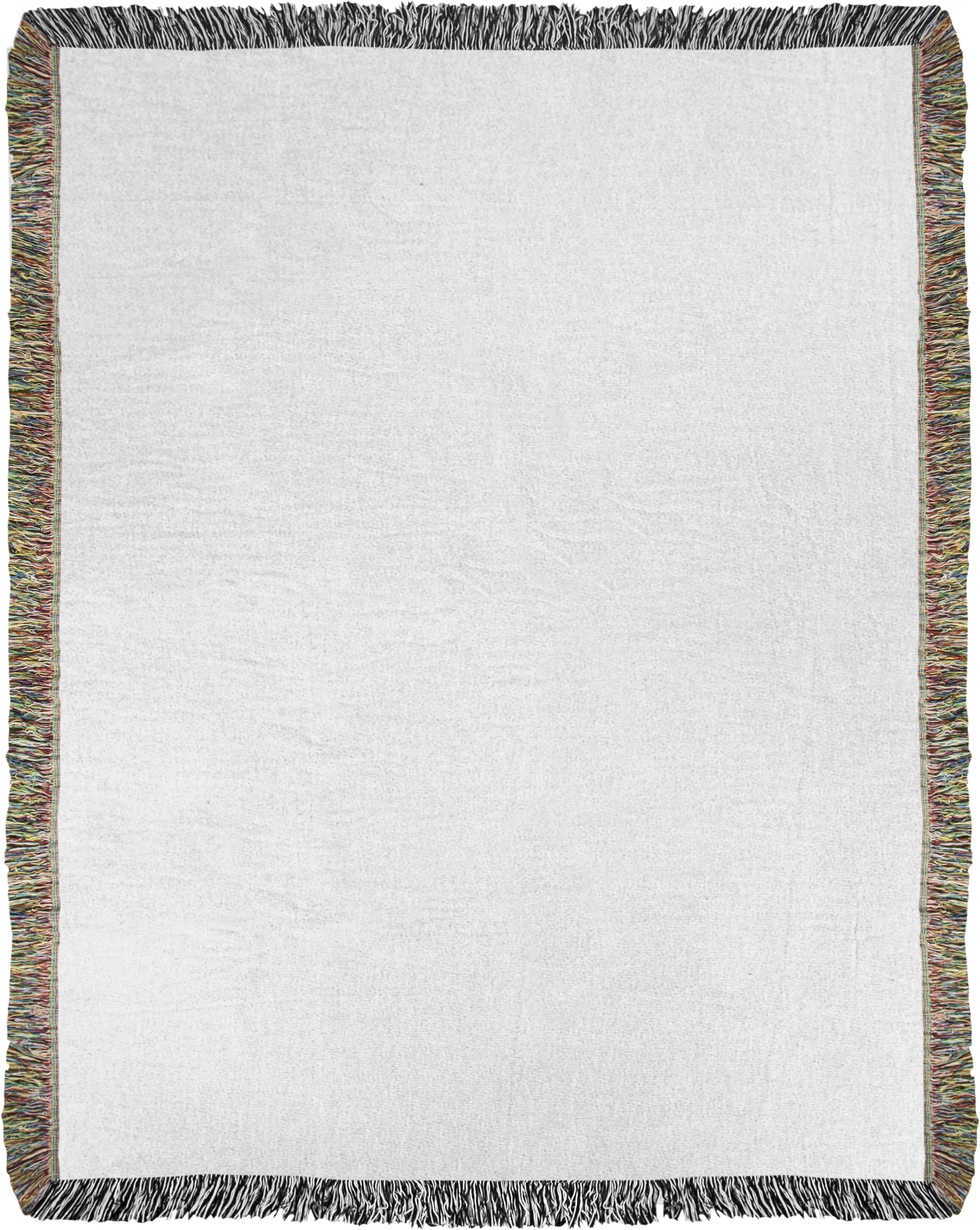
Add this image of a woven texture as a new layer on Photoshop. You’ll need to play with the opacity of the layer and the blending mode until your mockup looks like a blanket and you can see the design underneath.
Please note: This process is designed to create an approximate preview of how your artwork will be reproduced and is for mockup purposes only. Please do not print this image.
For more tips, read our guide on how to achieve the perfect finish for our Jacquard woven blankets.